

Plugins are what make WordPress so flexible. They add analytics, SEO tools, forms, email and much more. They’re also where most WordPress security problems start. When a popular plugin has a flaw, attackers scan the web for every site running it and use that flaw to get in: injecting spam, slowing sites down or taking them over completely.
Here are a few real examples from popular plugins, and what they teach about keeping your site safe.
When a plugin changes your search results: Jetpack
In 2019, users reported that with Jetpack installed, searching for plugins from the WordPress dashboard returned results that favored Jetpack’s own maker. It wasn’t a hack, but it was a reminder that plugins can quietly change how your site behaves.
When a plugin slows your site down: Yoast SEO
A Yoast SEO update (version 10.1.1) slowed sites down until a fix arrived two releases later. Even well-built, hugely popular plugins ship bugs, which is why updates matter.
" An exploit (from the English verb to exploit, meaning "to use something to one’s own advantage") is a piece of software, a chunk of data, or a sequence of commands that takes advantage of a bug or vulnerability to cause unintended or unanticipated behavior to occur on computer software, hardware, or something electronic (usually computerized). Such behavior frequently includes things like gaining control of a computer system, allowing privilege escalation, or a denial-of-service (DoS or related DDoS) attack. "
— Wikipedia
When a plugin opens the door: WP Google Maps
A flaw in WP Google Maps (versions 7.11.00 to 7.11.17) allowed SQL injection attacks, a way for attackers to read or change a site’s database. Sites that updated quickly were safe. Sites that didn’t were exposed.
When a plugin lets attackers change settings: Easy WP SMTP
A vulnerability in Easy WP SMTP (version 1.3.9) let outsiders change a site’s WordPress settings and insert malicious code. Again, the fix was an update.
How to protect your site
All of these issues were fixed long ago. The lesson hasn’t changed:
- Update plugins promptly. Most attacks target flaws that already have a fix.
- Remove plugins you don’t use. Every installed plugin is something to keep patched.
- Choose plugins that are actively maintained, with recent updates and good reviews.
- Run regular security scans and keep backups, so you can recover quickly if something goes wrong.
Running plugins that haven’t been updated in a while? Our Website Rescue service brings older WordPress sites up to date safely, and our managed WordPress hosting handles updates, scans and backups for you.
Alex Stamatellos
Alex Stamatellos is the co-founder and Technical Director of Webcentrex, LLC in Flemington, New Jersey. Since 2006 he has helped hundreds of businesses build, host and secure their WordPress websites, drawing on nearly two decades of hands-on experience in WordPress development, troubleshooting, optimization and server management.
Related Posts
November 23, 2026
WordPress White Screen of Death: Why Your Site Is Blank and How to Fix It
Your WordPress site shows a blank white…
November 23, 2026
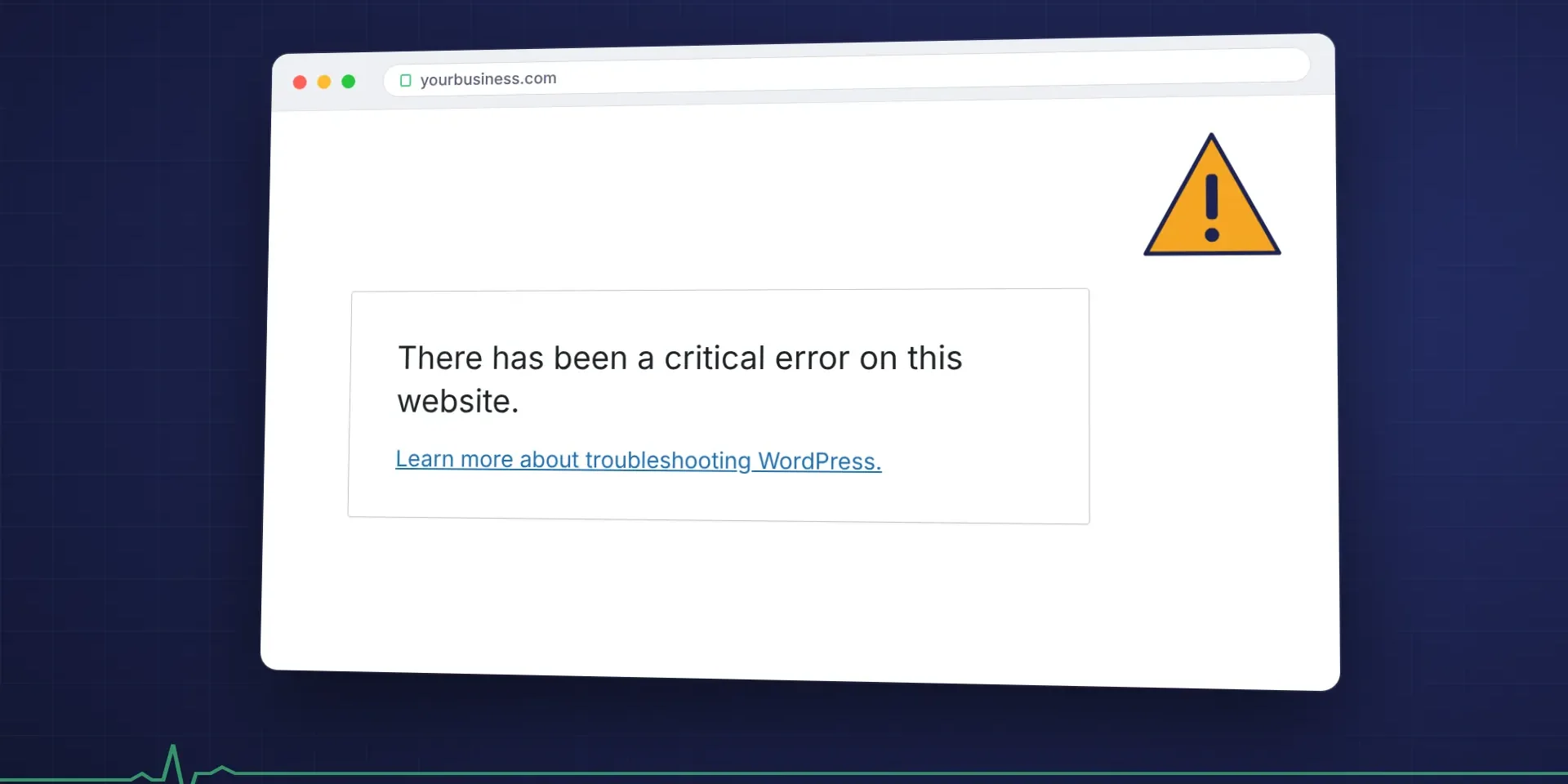
“There Has Been a Critical Error on This Website”: What It Means and How to Fix It
Seeing "There has been a critical error…
